Showing posts with label macOS. Show all posts

Sunday, November 15, 2020

If you updated your mac to macOS Big Sur then you have problems with LibreOffice

First problem - only LibreOffice 7.0 and newer works on macOS 11 Big Sur. Nobody knows why. So if you use older version you should update your LibreOffice to 7.0.3

Second problem - if you have a Retina screen (HiDPI), then you can't use LibreOffice, because all text will be blured. There is a bug 138122

So, Apple, thank you!

Saturday, April 25, 2020

How to install Glade on macOS

Possible you need Glade, but you use macOS and won't change your OS or use any virtual machine. You can install Glade on your macOS using Homebrew. Three simple steps:
Open a Terminal.
Enter a first command: /bin/bash -c "$(curl -fsSL https://raw.githubusercontent.com/Homebrew/install/master/install.sh)"
It will download and install Homebrew on your macOS. 
Note, you should be enter your admin password two or three time during that process.
After end of Homebrew installing enter a second command: brew install glade.
So now you can start Glade with command glade in the Terminal.

Monday, March 2, 2020

Sukapura is a new LibreOffice icon theme

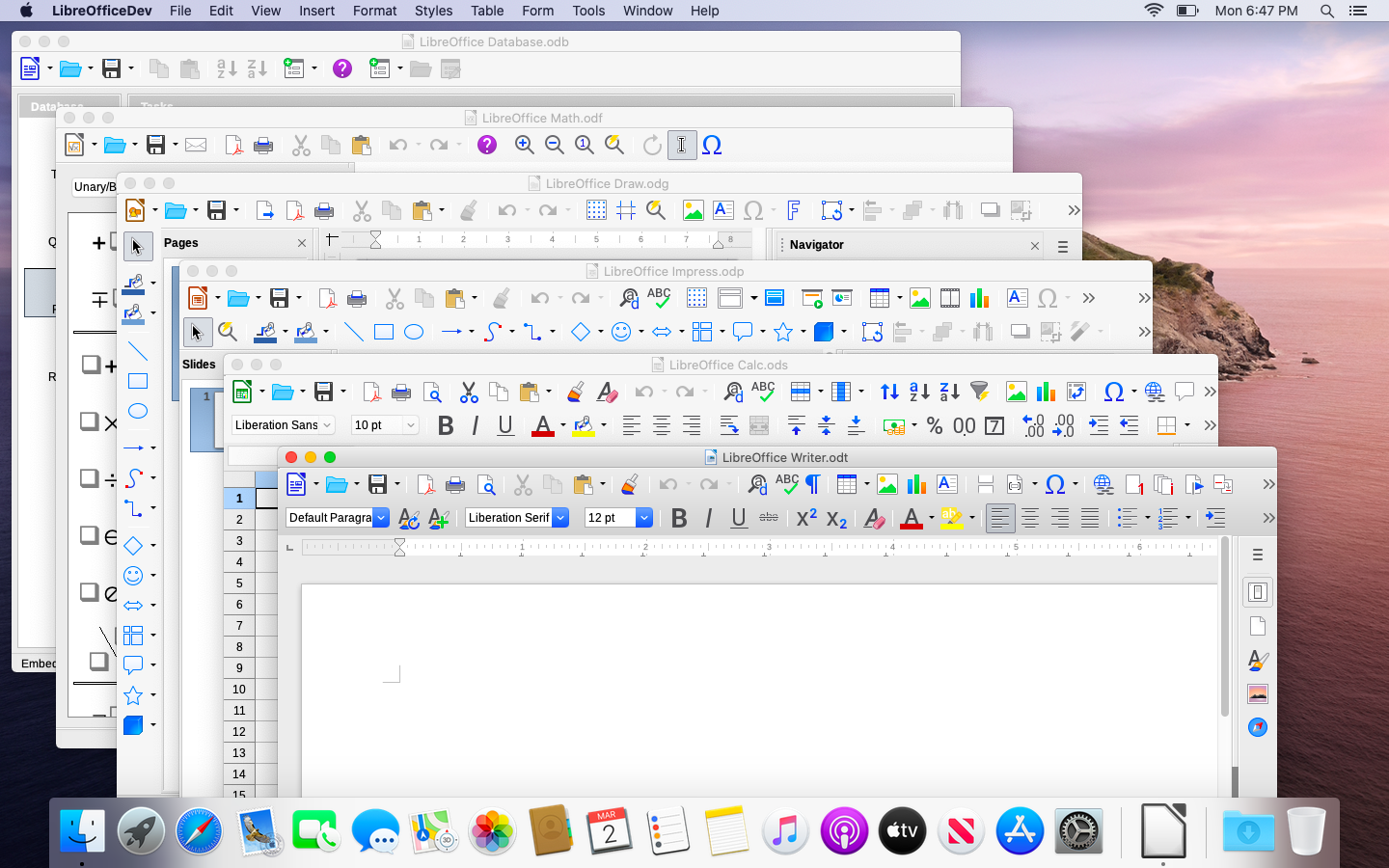
Rizal Muttaqin has added a new icon theme into LibreOffice. Its name is Sukapura. That icon theme will be a default theme for a new LibreOffice installation in macOS. It looks very nice for me.
The Sukapura icon theme will available in future LibreOffice 7.0 release.
But, if you want, you can install it right now using a Rizal's extension.